 Twitch VOD Archive
Twitch deletes VODs. Archive them.
Twitch keeps your broadcasts for 7–60 days, then they are gone forever. Twitch VOD Archive tracks every deletion date and saves your own streams to your disk automatically.
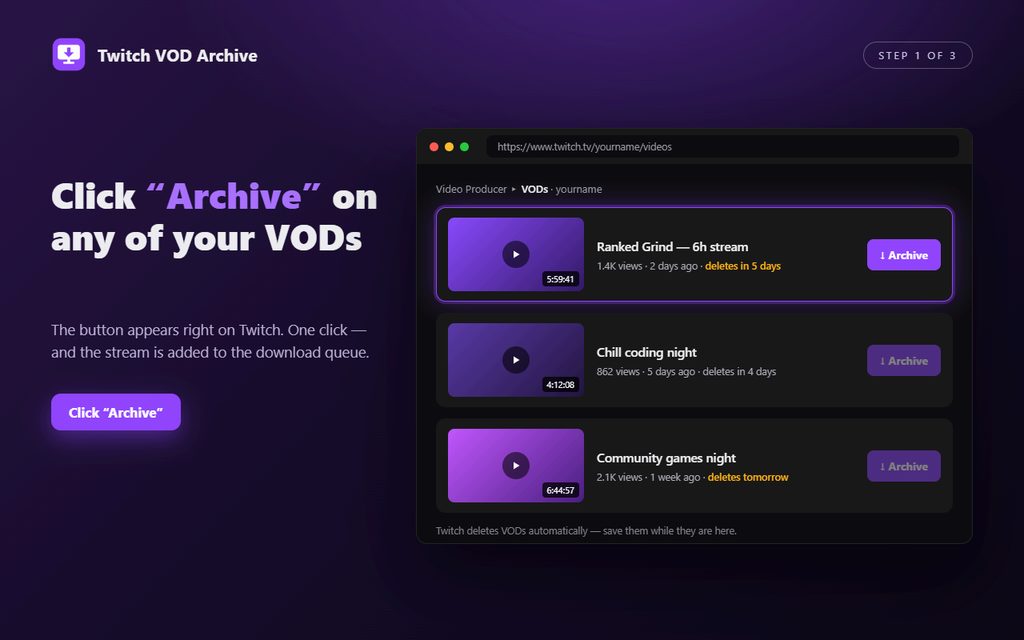
1. See the exact deletion date for every broadcast.
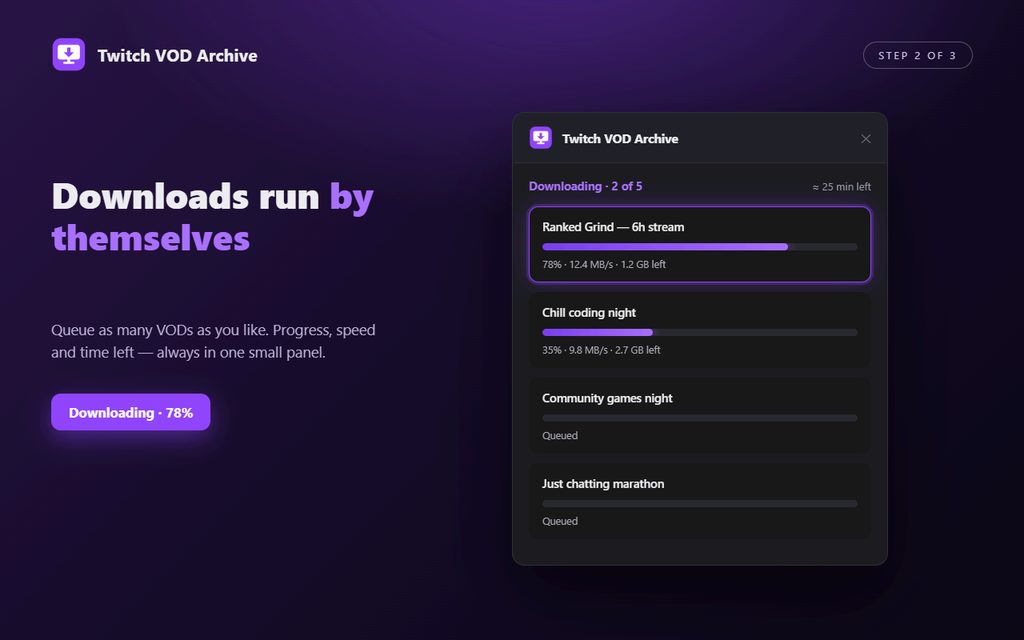
2. Queue one, some, or all — downloads run by themselves.
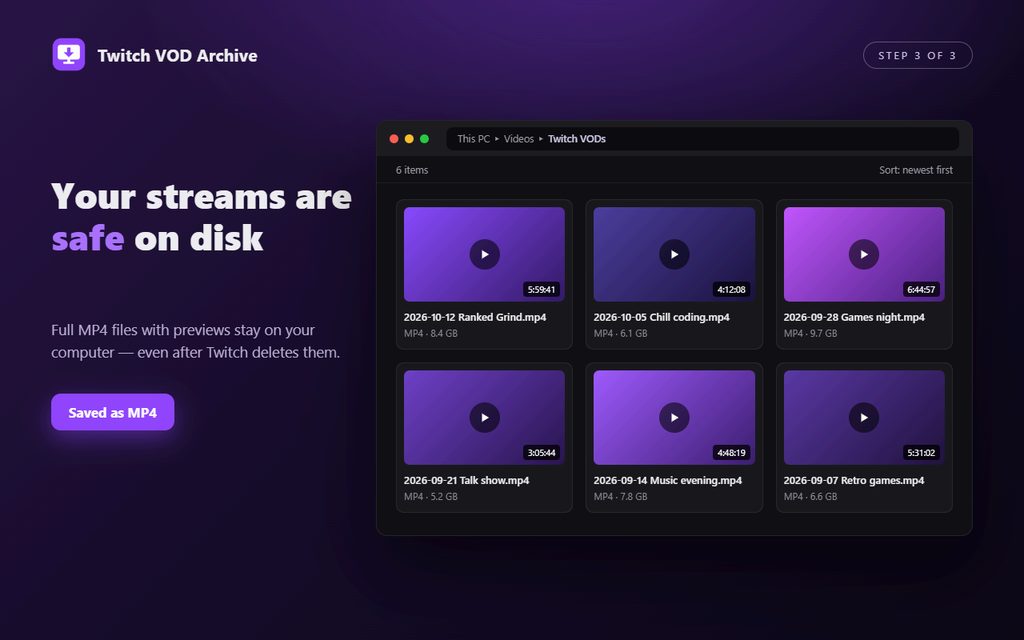
3. Ready MP4 files in original quality land in your folder.
Why streamers install it
- Deletion dates on every VOD — never lose a broadcast to the 7-day clock again.
- One-click Archive turns the native Twitch download into an automatic queue.
- Auto-archive saves new broadcasts the moment they appear (while Chrome is open).
- Everything stays local — no re-encoding, no cloud, no sign-ups beyond your own Twitch channel.
Frequently asked questions
How do I archive Twitch VODs?
Connect your own channel once, press Archive on any broadcast, and the queue downloads it as MP4 to the folder you picked.
Can it recover VODs Twitch already deleted?
No download tool can bring back a VOD that Twitch has already removed — that is exactly why the extension shows deletion dates in advance, so a copy is always made in time.
Where are the files saved?
In your Downloads folder, subfolder "Twitch VOD Archive", named by date and title. Original quality, nothing is re-encoded.
Is anything uploaded anywhere?
No. The extension talks only to Twitch and saves files straight to your disk. Nothing is collected, nothing leaves your machine.